This page offers general setup ideas, not medical diagnosis or treatment. Persistent, worsening or unusual pain deserves advice from a qualified healthcare professional.
Start with reach, not posture theater
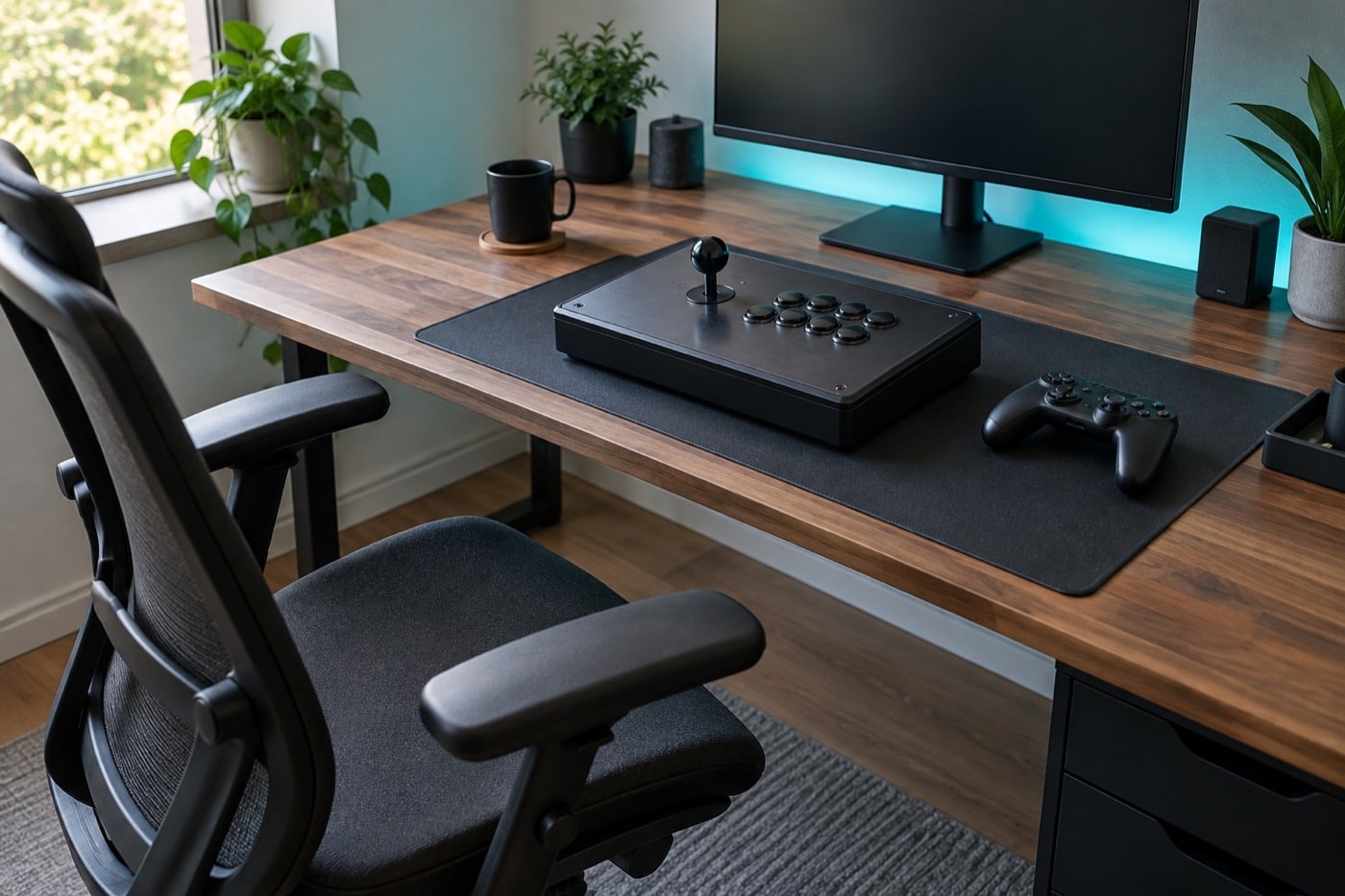
A useful setup lets the controls come to you. Place the arcade stick or pad so your shoulders can remain relaxed and your elbows stay near your sides. If you have to reach forward, raise a shoulder or hold the controller against gravity for the whole set, the arrangement is doing unnecessary work.
For a desk setup, change the chair or surface height until the forearms approach the controls without a sharp wrist bend. At a cabinet, stand close enough to avoid leaning from the waist, and use a stable stance that allows small position changes. The goal is not one perfect pose held forever. It is a comfortable range of positions you can vary.
The U.S. Occupational Safety and Health Administration’s neutral-position guidance recommends keeping hands, wrists and forearms in line, shoulders relaxed and elbows near the body. Those workstation principles translate sensibly to a controller surface.
Grip only as hard as the input needs
A lever does not need to be strangled, and a gamepad does not need to be crushed. Use enough contact to guide the control, then notice whether the unused fingers remain tense. Between rounds, deliberately open the hand and let the shoulders drop. That small reset makes excess effort visible.
Buttons also reward economy. Let the finger travel only as far as needed for a clean press. Hitting harder does not make the command arrive sooner once the switch has activated. If a motion fails, first check timing and direction rather than automatically adding force.
Match the setup to the device
Arcade stick
Give the base support
Use a surface or lap position that does not rock during directional changes. Keep the control panel close enough that both shoulders remain even.
Gamepad
Support the arms
Bring the pad toward a relaxed middle position. Avoid holding both elbows far from the torso for an entire session.
Cabinet
Adjust your distance
Stand where the screen is easy to see and the controls are reachable without folding the wrists against the panel edge.
Use breaks before technique degrades
Long fighting-game sessions combine repetition with concentration. Plan short pauses between blocks or bracket rounds instead of waiting until the hands feel clumsy. Stand, change position, gently move the fingers and shoulders, and look away from the screen. A break is useful because it changes the task, not because it has to become a complicated routine.
Technique provides its own warning. If clean motions start turning into forceful ones, if the grip keeps tightening, or if posture collapses toward the screen, stop and reset. Continuing to rehearse a strained version of the input is poor practice as well as poor comfort.
Know when general advice ends
Pain, tingling, numbness, weakness, swelling or symptoms that persist are not a high-score challenge. Stop the activity that is provoking them and seek appropriate medical advice, especially when symptoms are getting worse. The NHS overview of repetitive strain injury describes common symptom patterns and when to see a clinician.
This page does not diagnose a condition and does not recommend a product, procedure, supplement or treatment. It stays with the parts a player can observe directly: setup, reach, tension, position changes and breaks.
A five-minute setup check
- Center the screen so your head does not remain turned.
- Bring the controls close enough for relaxed shoulders.
- Check that each wrist can stay near a straight, neutral line.
- Use the lightest grip that still produces reliable inputs.
- Decide when the next short break will happen before play begins.
Then return to the combo practice loop with a setup designed for repeatability rather than force.